
Download gStrings Free – guitar tuner, stringed instrument tuner, free tuner app, Android tuner, online tuner, guitar tuning app
Overview
gStrings Free is a lightweight Android application designed to assist musicians in tuning stringed instruments such as guitars, violins, violas, cellos, and double basses. The app functions as a digital tuning tool, offering both reference sound playback and real-time pitch detection to guide users through the tuning process. It is particularly useful for musicians who need a quick and accessible tuning solution without relying on physical tuners. The primary purpose of the software is to ensure accurate pitch alignment by comparing the actual sound of a stringed instrument against a reference tone.
Target users include beginners learning to play stringed instruments and intermediate players seeking a convenient on-the-go tuning tool. The app supports multiple instruments, allowing users to select the appropriate tuning scale for their specific instrument. Real-world usage scenarios include pre-performance tuning, practice sessions, and spontaneous jamming when access to a dedicated tuner is unavailable. The software operates entirely on the device’s microphone and audio output, eliminating the need for external hardware.
While the developer name is listed as "gStrings Free," no additional background or company details are available. The app was released on March 15, 2024, and is available at no cost. The developer did not provide additional system requirements, and exact performance details were not specified.
Key Features & Capabilities
- Reference Sound Playback: Users can play reference tones for individual strings, such as the "e" note for a guitar’s first string, to match pitch by ear.
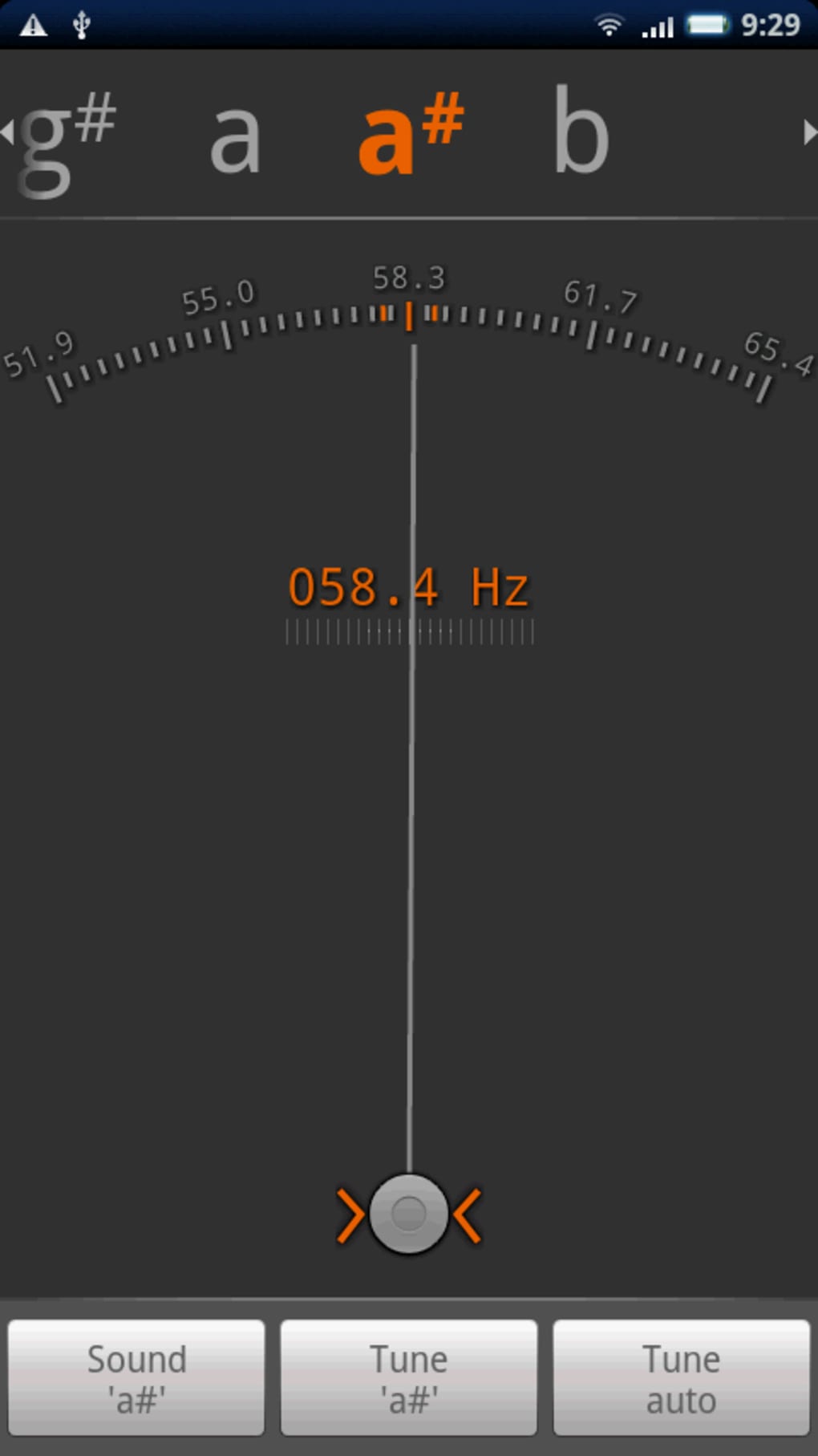
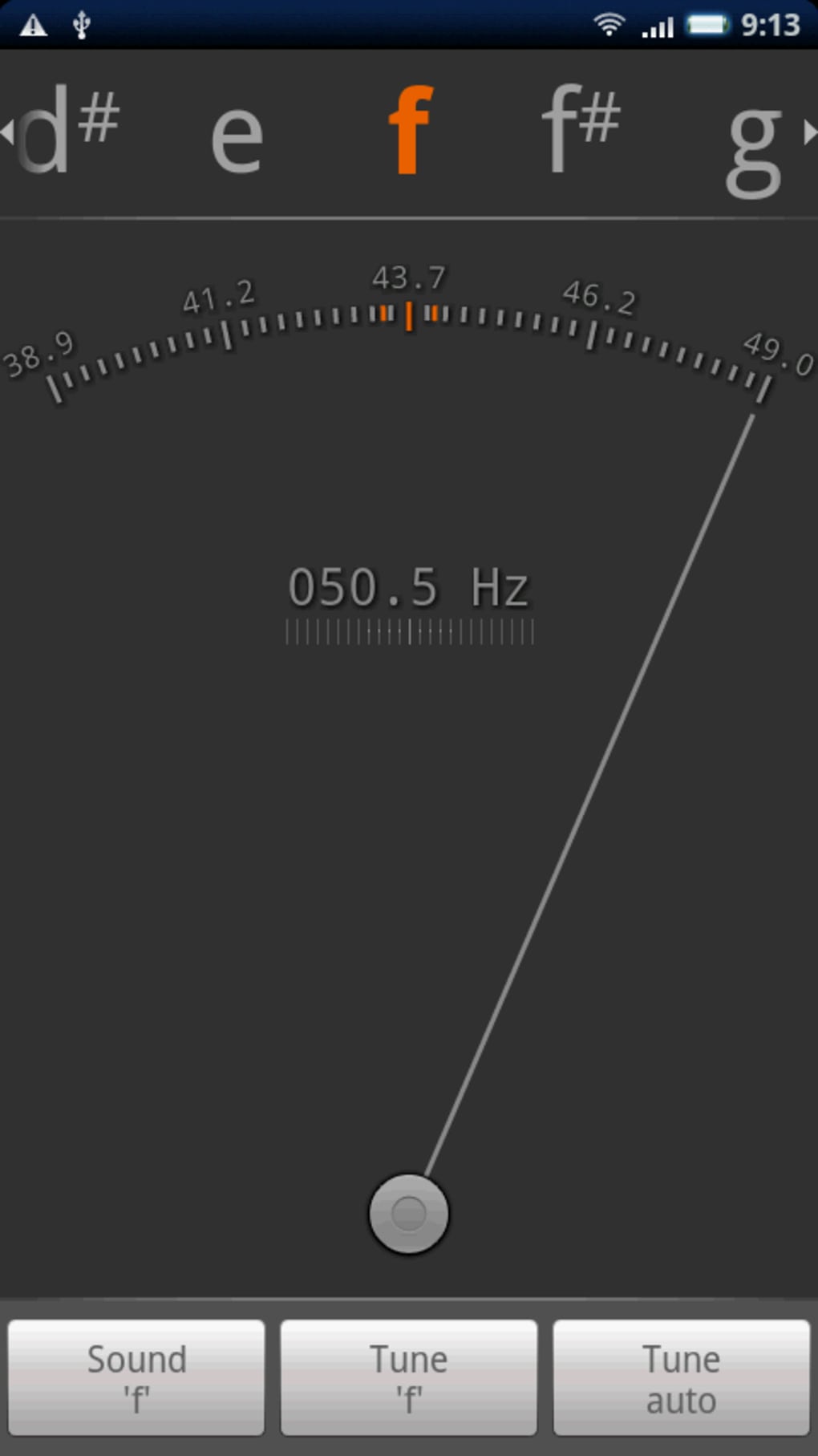
- Real-Time Pitch Detection: The app analyzes the sound produced by the instrument and displays a needle-based meter to indicate whether the pitch is sharp, flat, or in tune.
- Harmonic Tuning Support: In addition to open string tuning, the app allows users to tune using harmonics, which is especially useful for experienced guitarists.
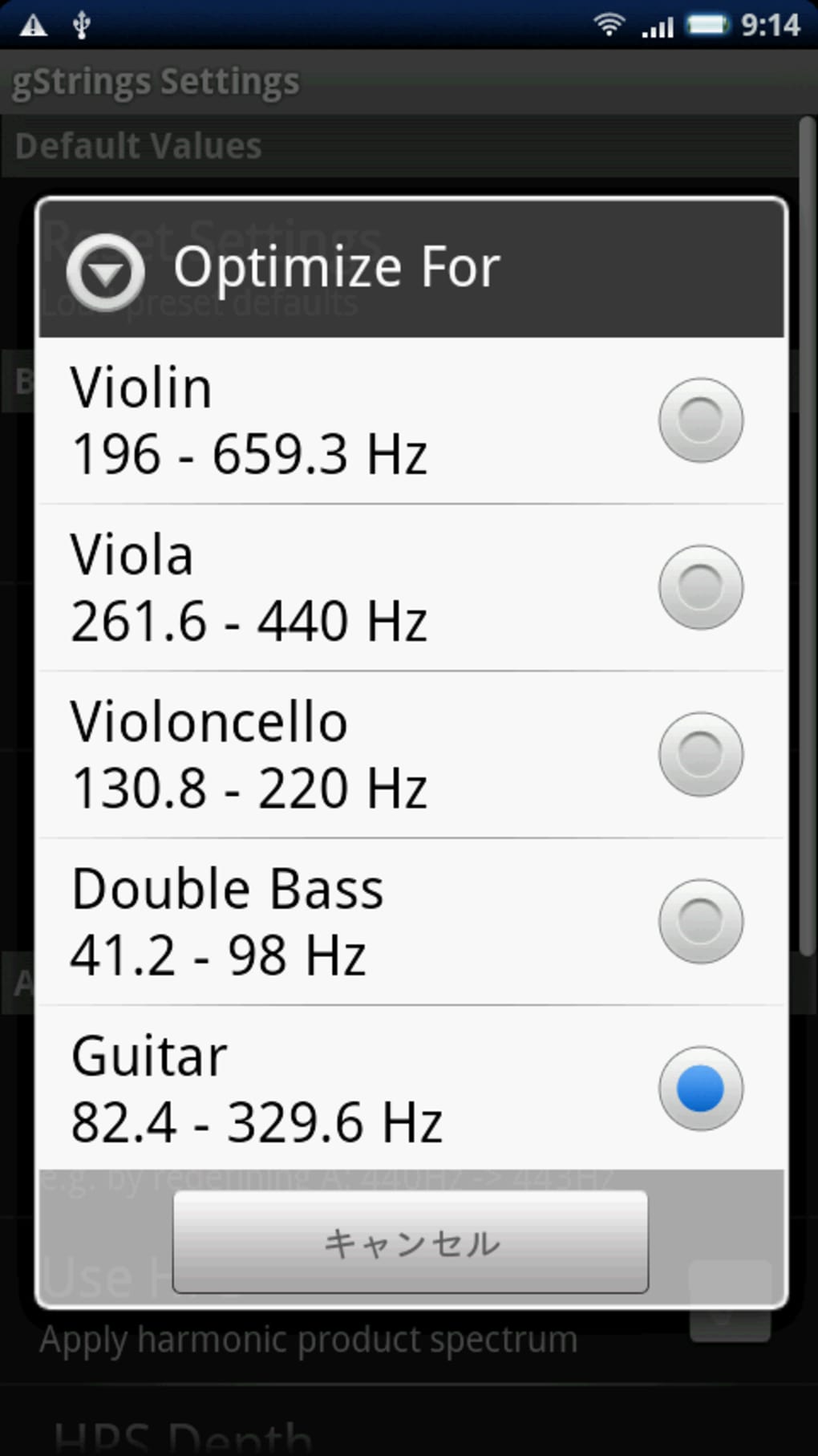
- Multinstrument Compatibility: Supports tuning for guitar, violin, viola, cello, and double bass, with adjustable tuning scales for each.
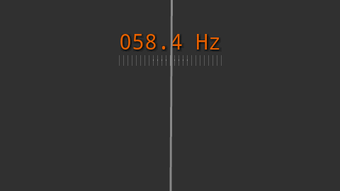
- Simple Analog Meter Interface: A visual needle display provides immediate feedback on pitch accuracy, helping users fine-tune strings to the center point.
These features enable users to tune instruments efficiently in various environments, from home practice to live performances. For example, a beginner guitarist can use the reference tone to match the pitch of each string by ear, while an intermediate violinist might use harmonic tuning for greater precision. The intuitive workflow reduces the learning curve and supports quick setup. The app does not require internet access, making it suitable for offline use in remote or low-connectivity areas.
User Interface, Workflow & Performance
The user interface of gStrings Free centers around an analog meter display, which resembles a traditional tuning device. The screen layout includes a top menu for selecting the desired instrument and string, followed by buttons to play reference sounds and initiate tuning. Navigation is straightforward, with minimal on-screen clutter, although all interface elements are in English, which may pose a challenge for non-English speakers.
The workflow begins with selecting the instrument and string, followed by playing the reference tone. After adjusting the string, the user taps “Tune [string]” and plays the string to allow the app to analyze the pitch. The needle moves in real time, indicating the deviation from the correct pitch. Users are advised to play strings slowly to avoid erratic needle movement, as noted in the app’s documentation.
Performance observations are based on general software behavior patterns. The app is reported to be lightweight at 2.1 MB, suggesting low resource consumption. The developer did not specify resource usage details, and no stability or CPU/RAM behavior data was provided. However, its small size and offline functionality suggest efficient operation on standard Android devices.
Compatibility & System Requirements
gStrings Free is designed for Android devices and is compatible with the Android operating system. The software version is 1.0, and the installation size is 2.1 MB. The developer did not provide detailed hardware requirements or minimum OS versions, so users should ensure their device runs a recent Android version for optimal performance.
Compatibility information was partially provided. While the app is intended for mobile use, it is not available on other platforms such as iOS or desktop systems. The lack of detailed system requirements means users may need to test the app on their specific device to confirm functionality. No information was provided about required permissions or background processes.
Pros and Cons
Pros
- Free to download and use with no in-app purchases
- Supports multiple stringed instruments including guitar, violin, and cello
- Offers both open string and harmonic tuning methods
- Small file size (2.1 MB) ensures quick installation and low storage usage
- Functions offline, requiring no internet connection
Cons
- All interface elements are in English, which may hinder usability for non-English speakers
- Needle response may be inconsistent when strings are played rapidly
- Limited visual feedback; no digital pitch display or frequency readout
- No customization options for tuning sensitivity or calibration
- Developer did not provide detailed system requirements or update history
FAQ Section
Is gStrings Free compatible with all Android devices?
The app is designed for Android, but exact compatibility details were not specified by the developer. Users should ensure their device runs a supported Android version for best results.
Is the app safe to download and use?
gStrings Free is available at no cost and does not require internet access. While no security audits were provided, the app is distributed through standard Android channels and appears to function as a basic utility.
Does gStrings Free require an internet connection?
No, the app operates entirely offline. It uses the device’s microphone and speaker to detect and emit sound, making it suitable for use in areas without internet access.
Can I use gStrings Free on my iPhone or iPad?
Currently, the app is only available for Android devices. There is no version available for iOS or other platforms.
How often should I update the app?
The current version is 1.0. No update history or release notes were provided. Users should check the app store for updates to ensure they have the latest version.
Final Thoughts + CTA
gStrings Free delivers a straightforward and accessible solution for musicians who need to tune stringed instruments on the go. Its support for multiple instruments, harmonic tuning, and offline functionality make it a practical tool for beginners and intermediate players alike. While the interface is minimal and limited to English, the core functionality remains effective and reliable. The small size and zero cost enhance its appeal as a lightweight, no-frills tuner.
For anyone seeking a free, dependable tuning app for Android, gStrings Free is a solid choice. It combines essential features with ease of use, making it ideal for casual practice and performance preparation. The lack of advanced customization options is a minor drawback, but the app’s simplicity is also one of its strengths.
Download gStrings Free now






.png)
